📱App Development
601_Art Adventure for Kids
App Development › Cross-Platform Apps
Draw, Color, Learn and Create!
$800
Preview
Screenshots
16 screens — swipe or use the arrows


Overview
About This Project
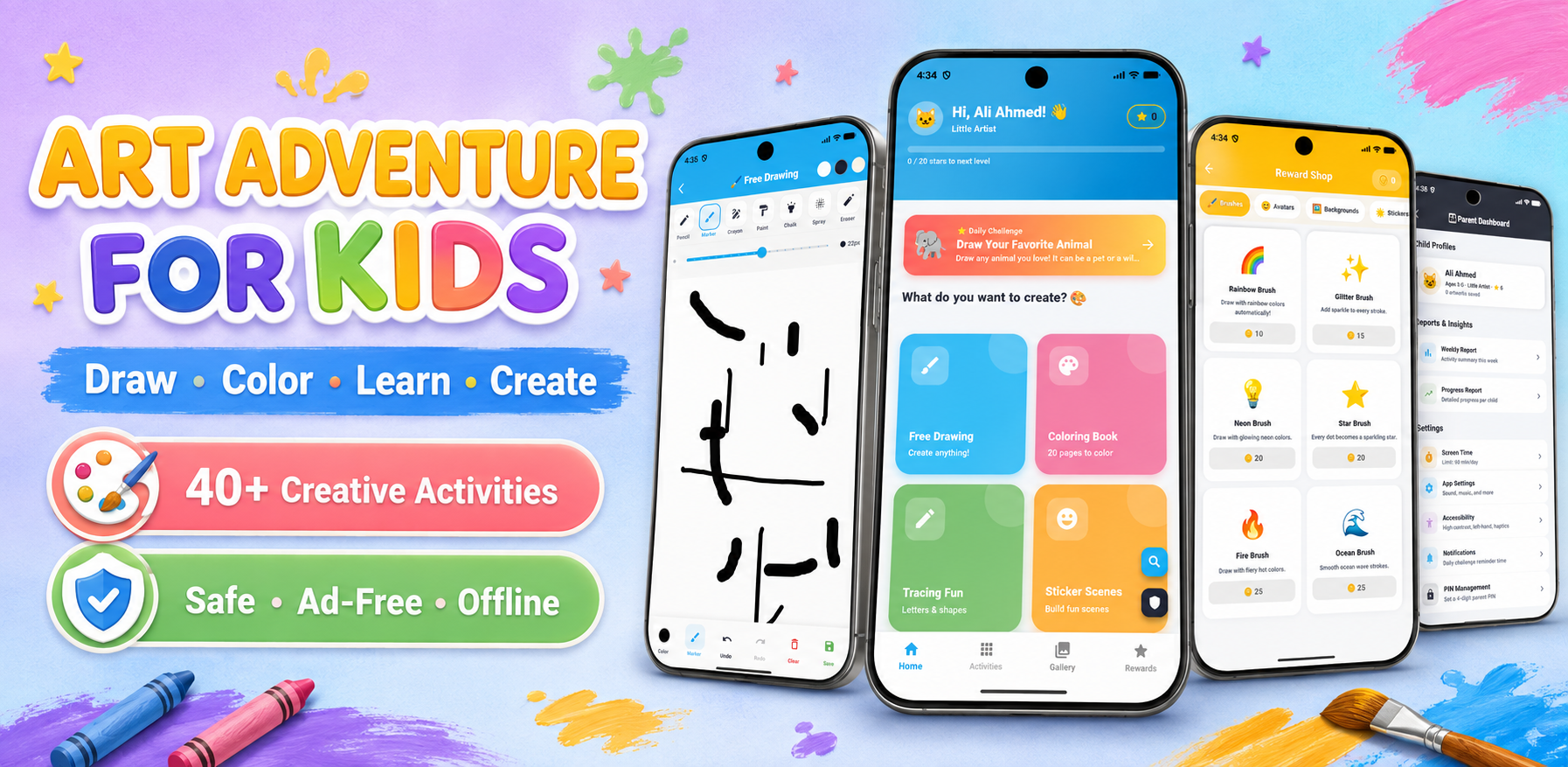
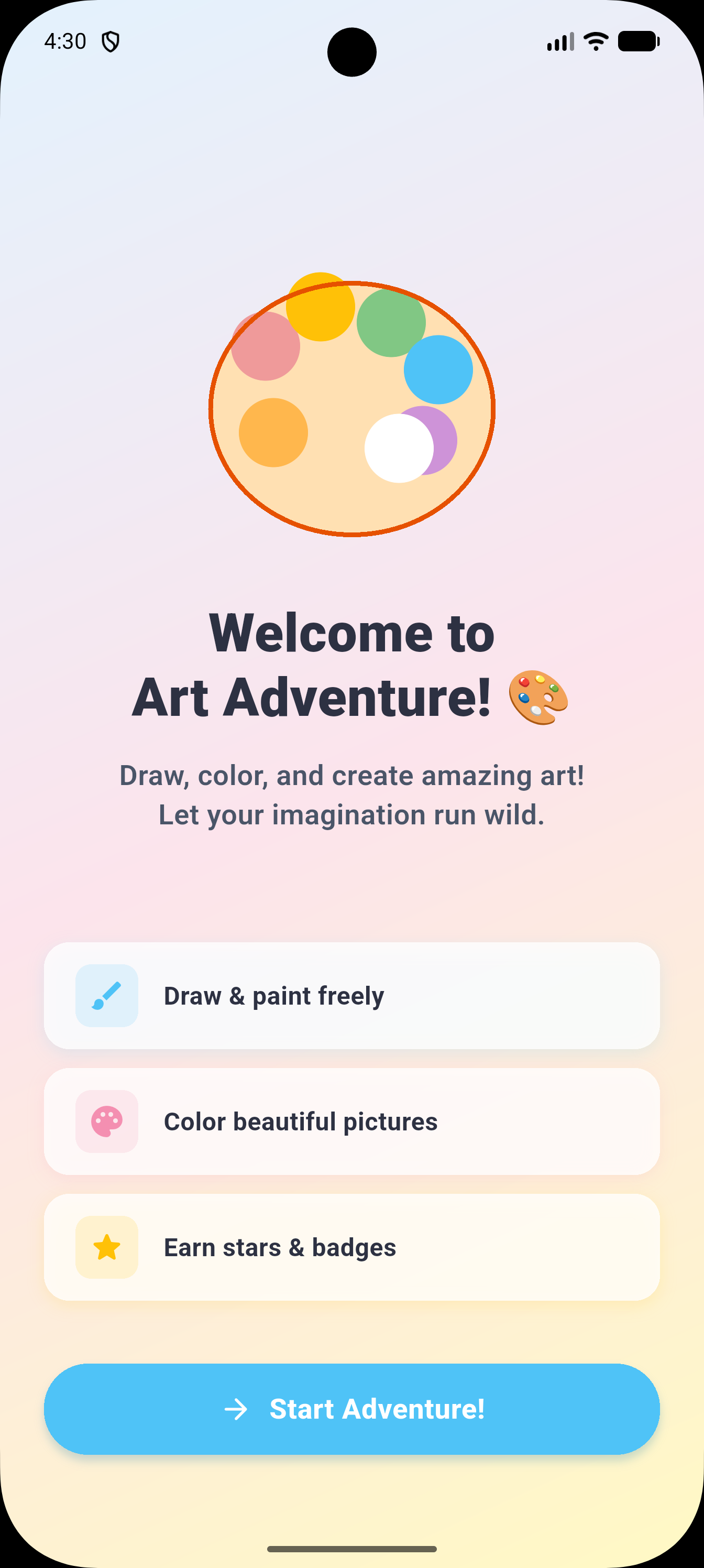
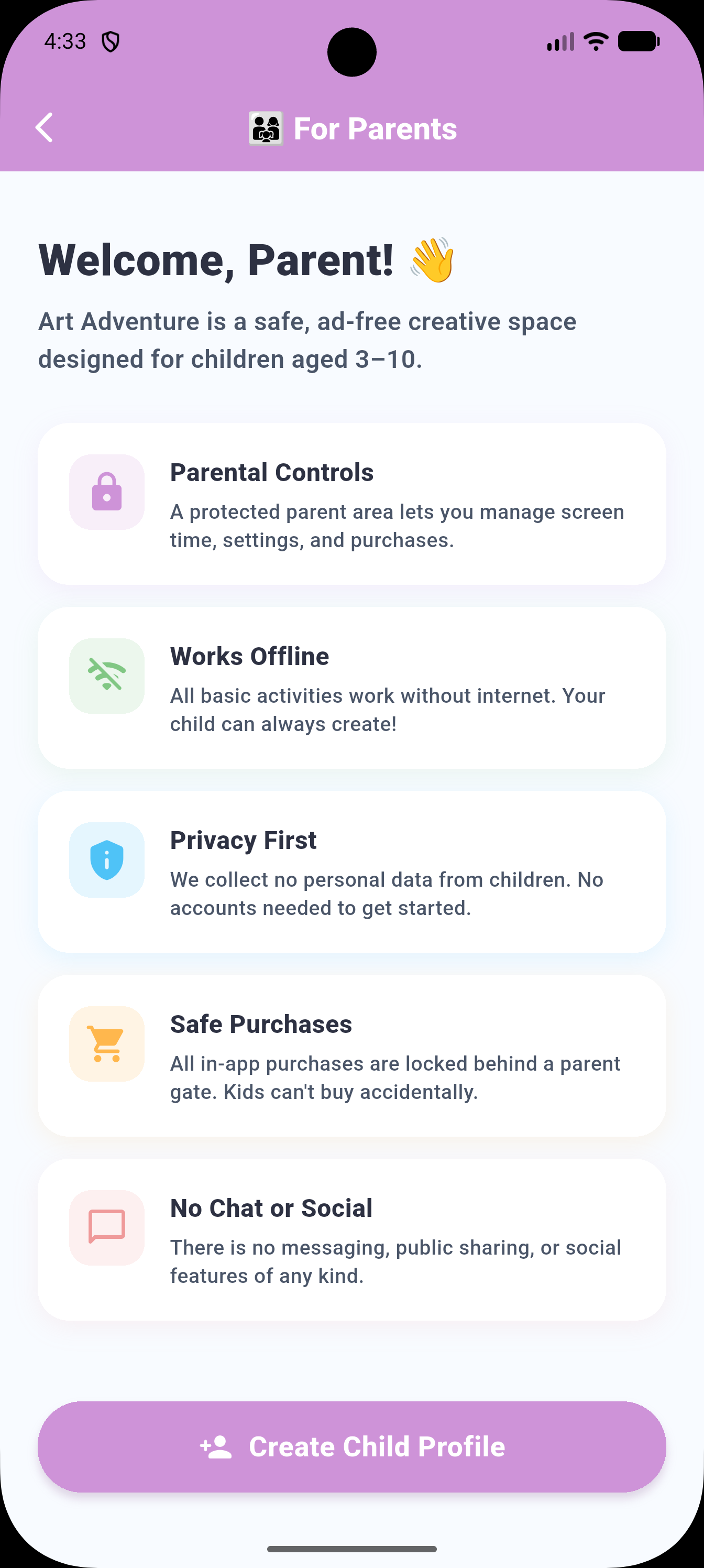
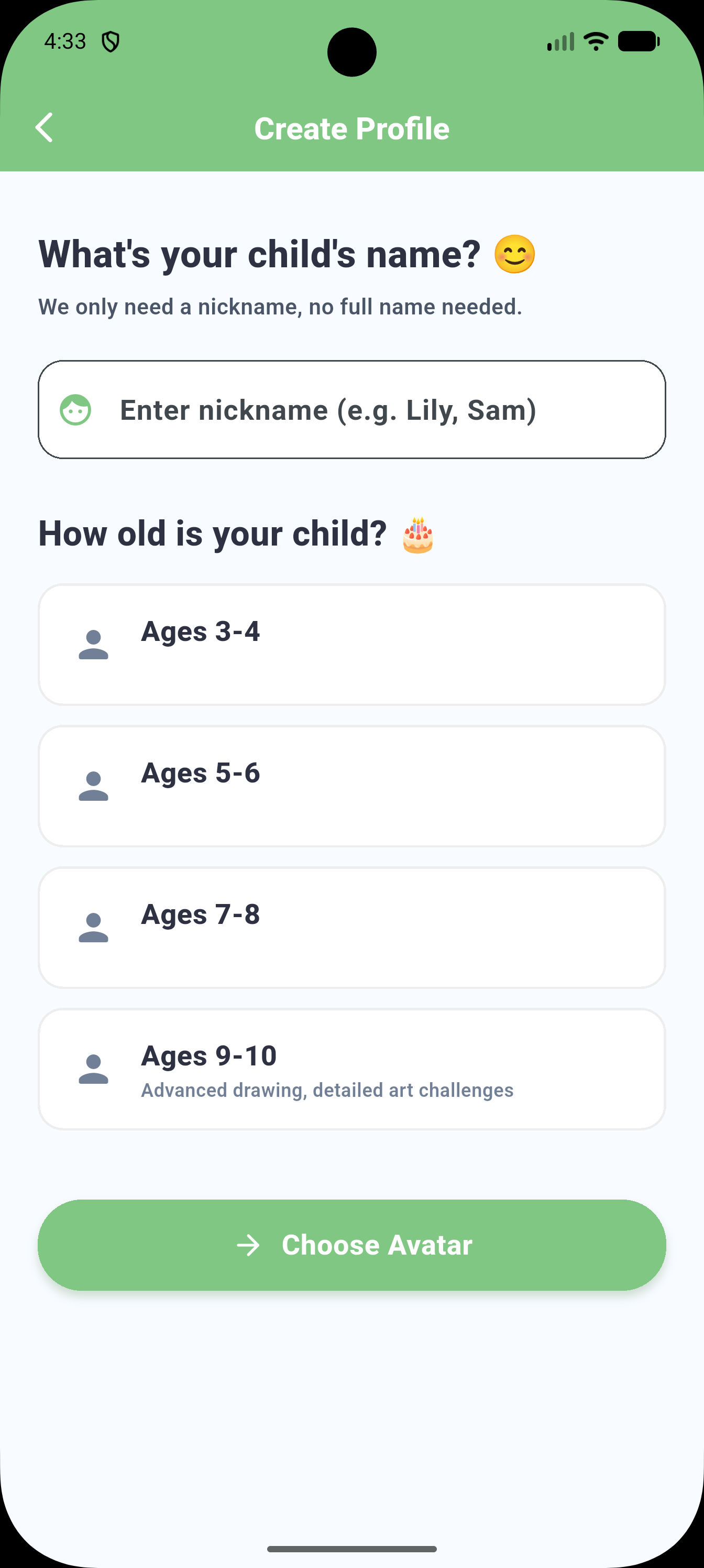
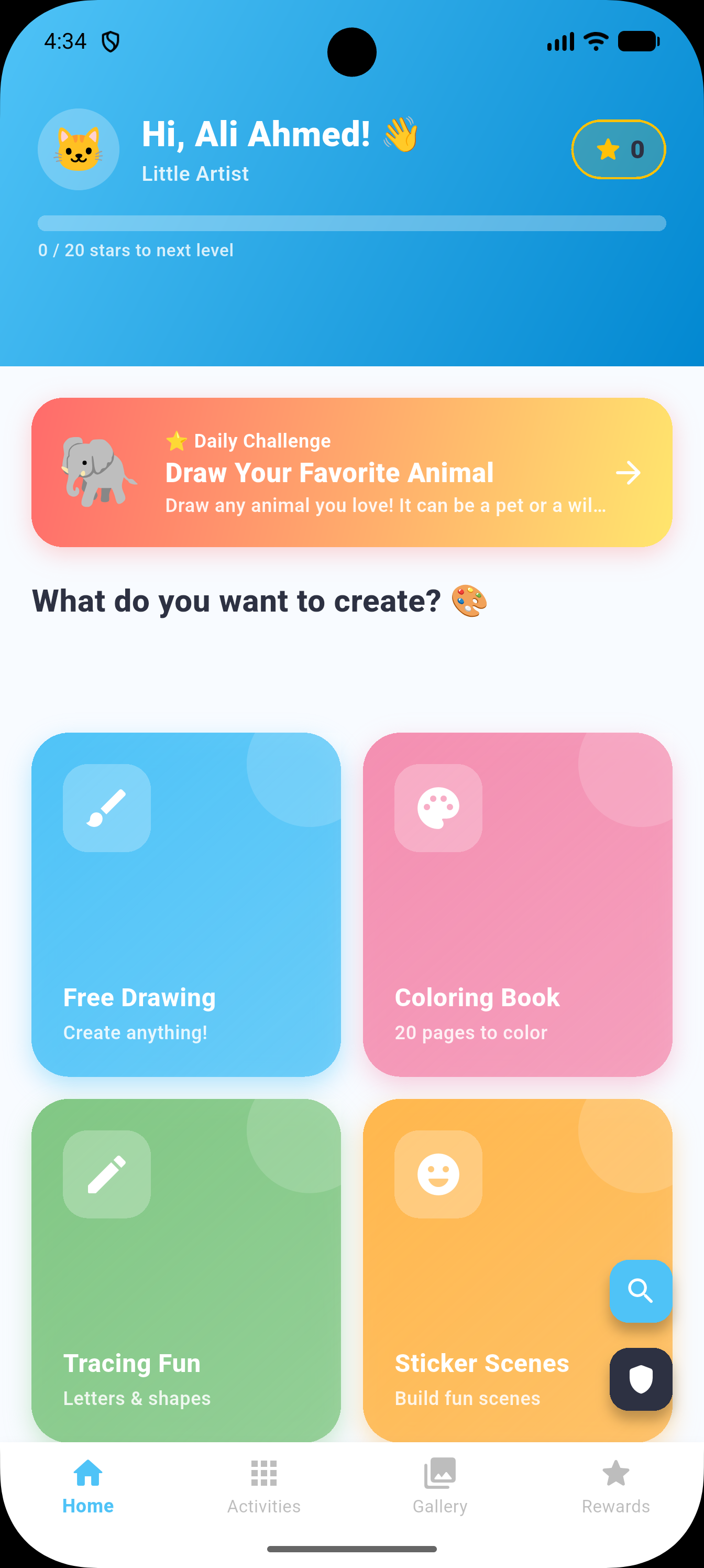
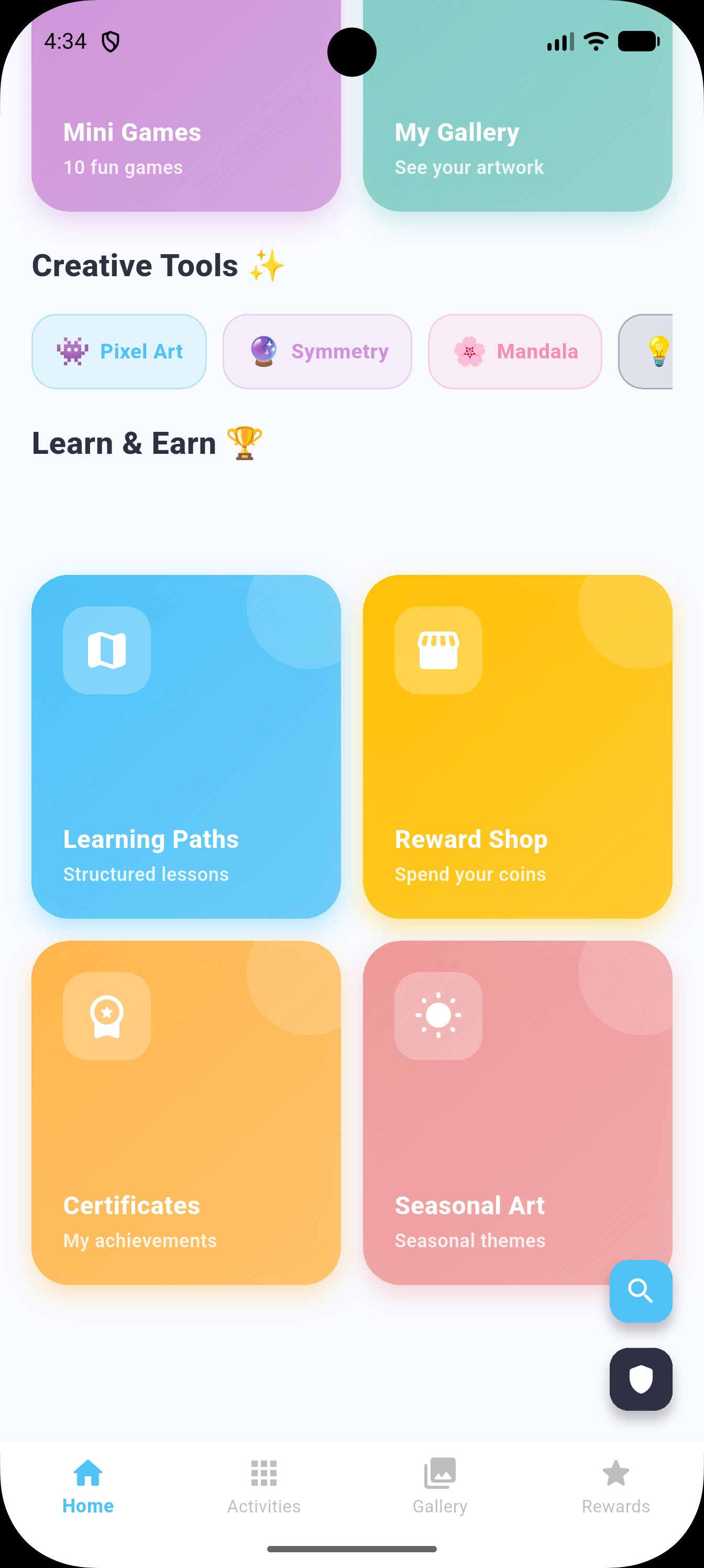
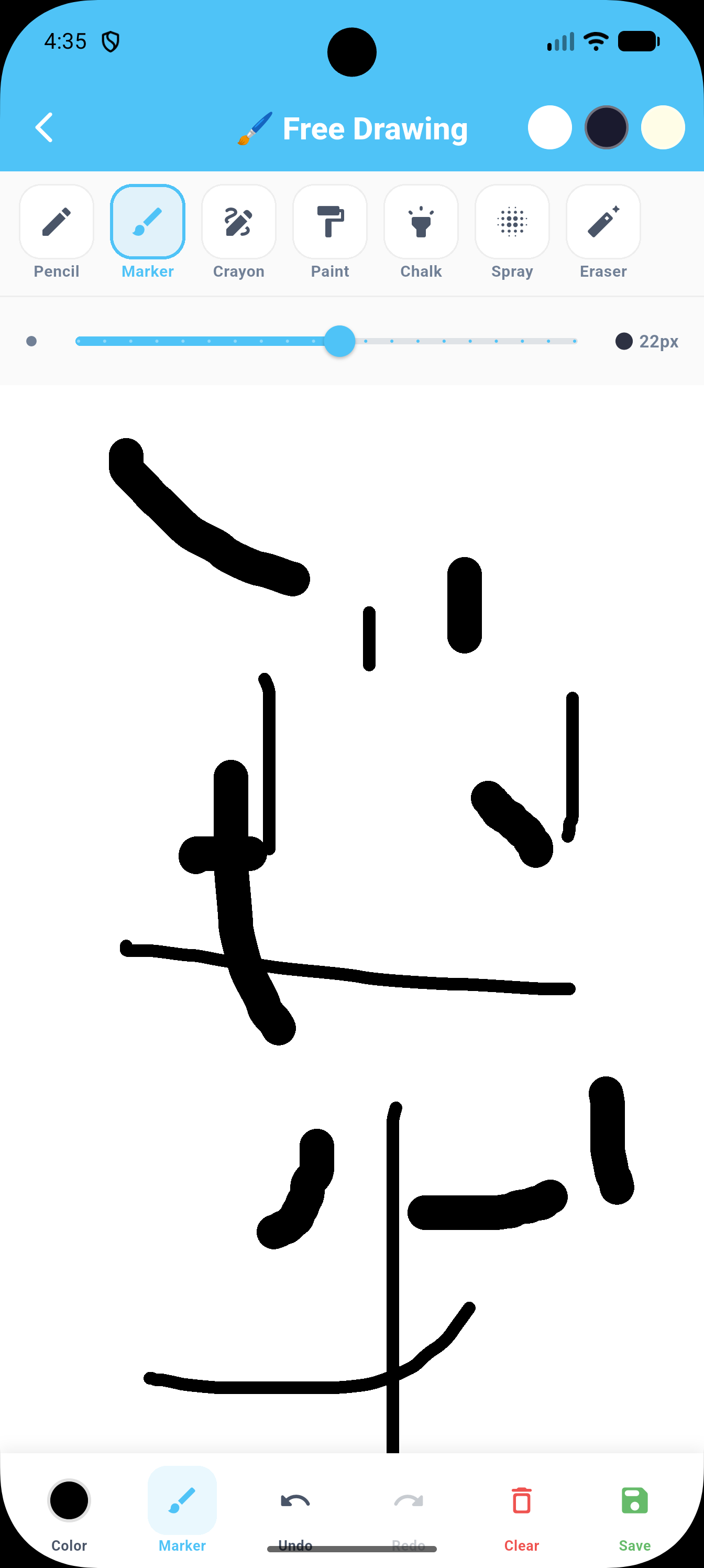
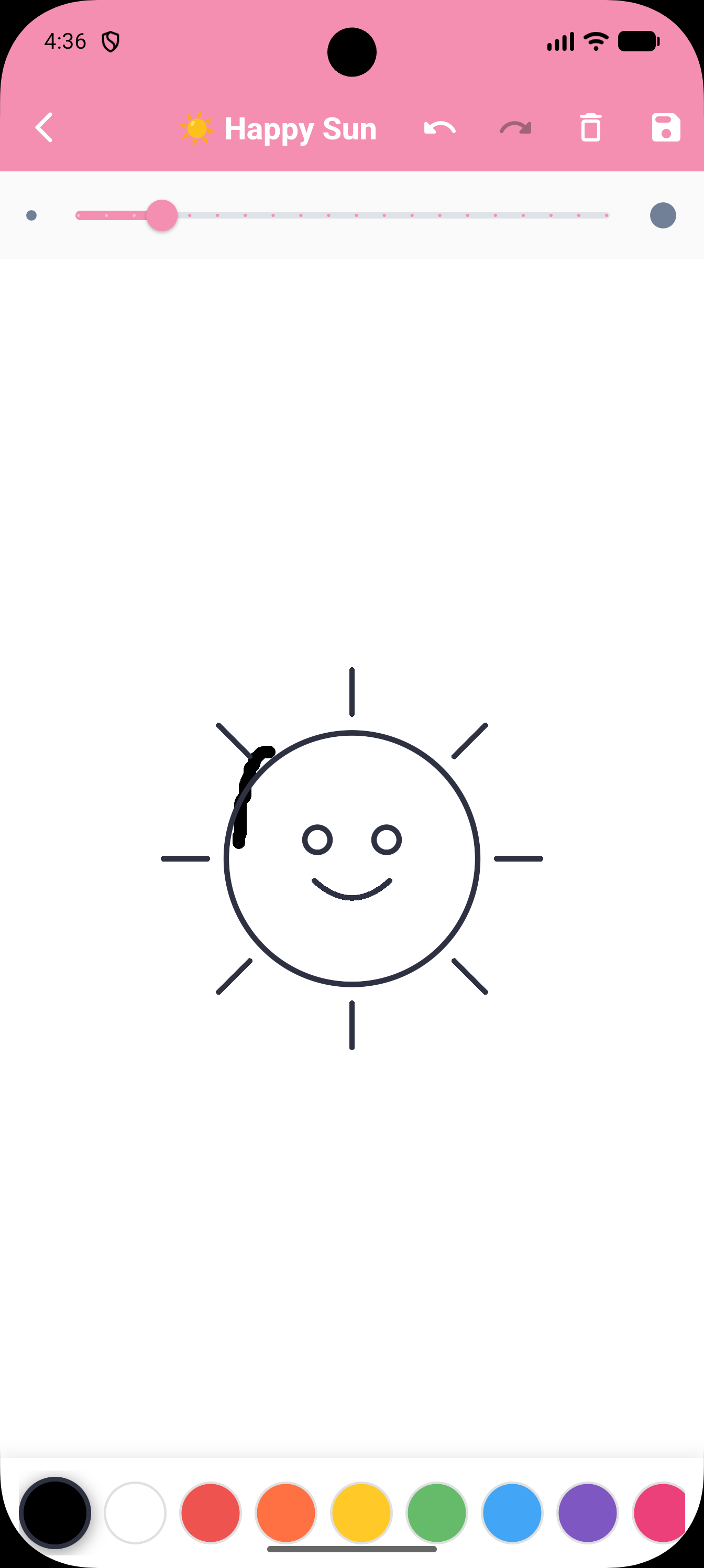
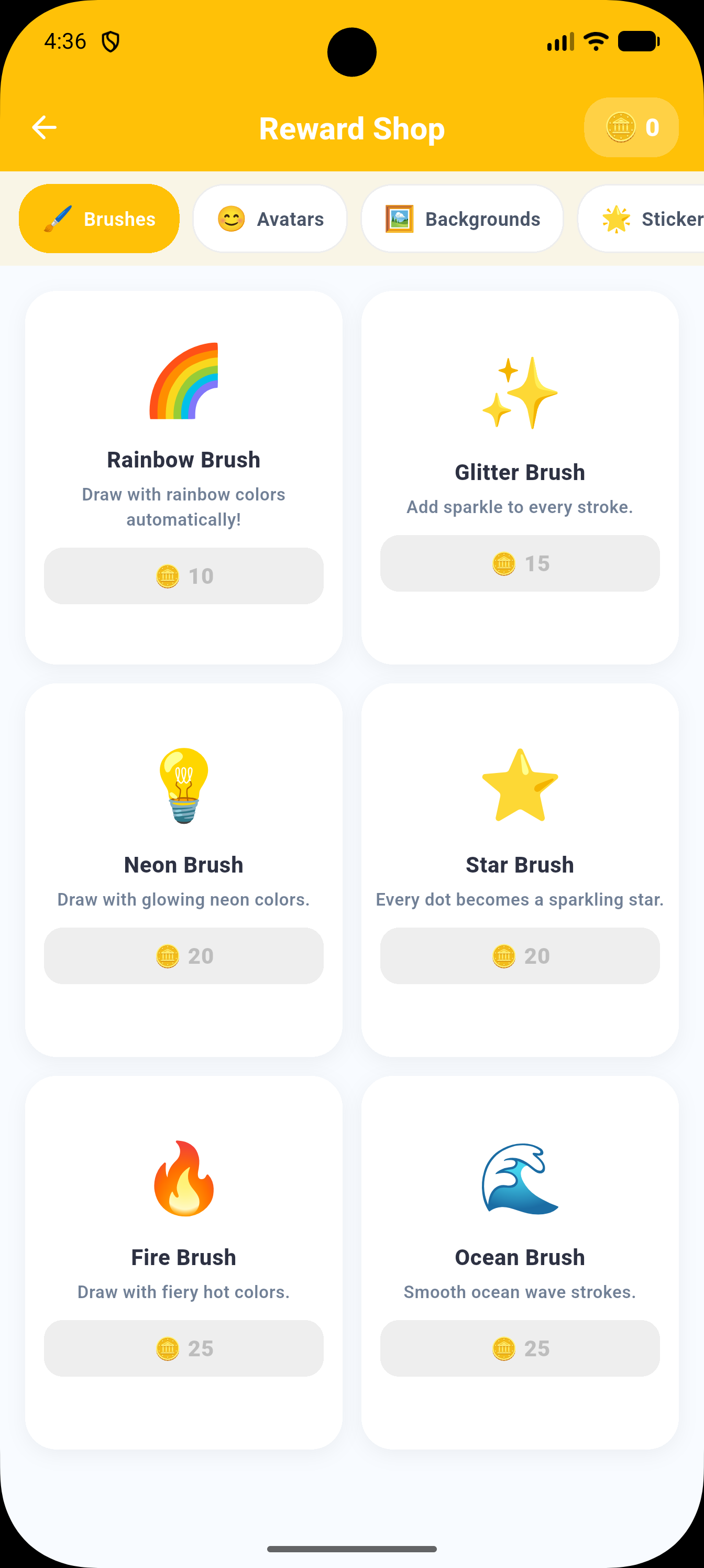
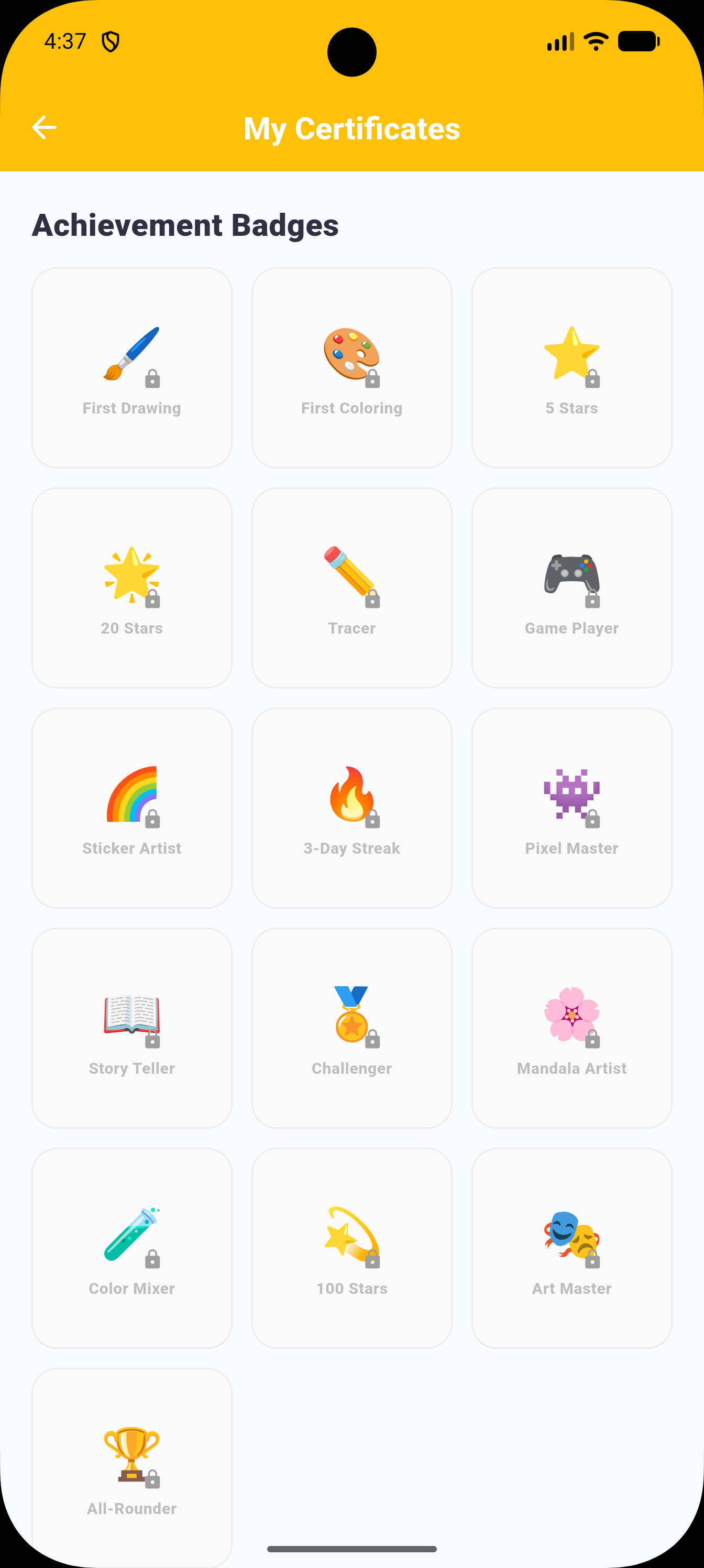
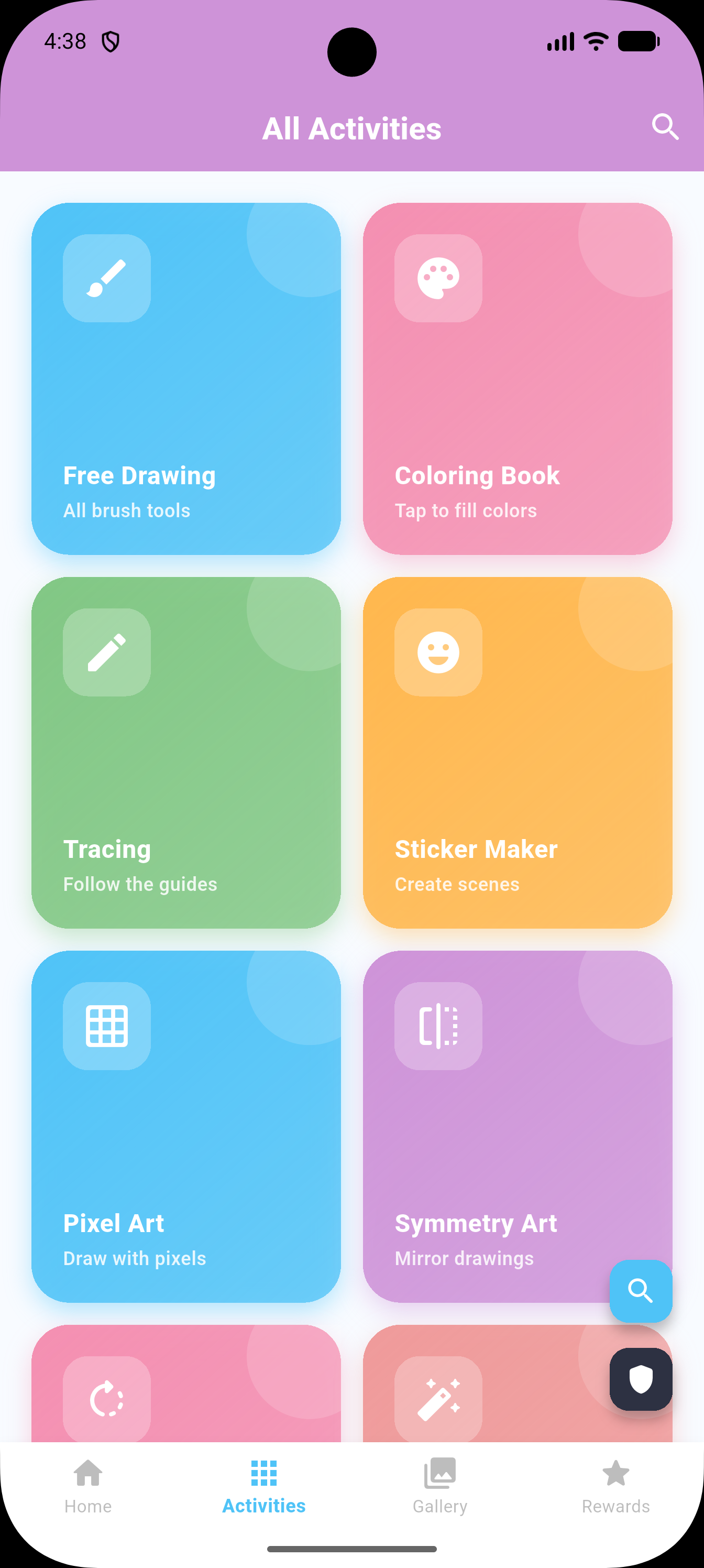
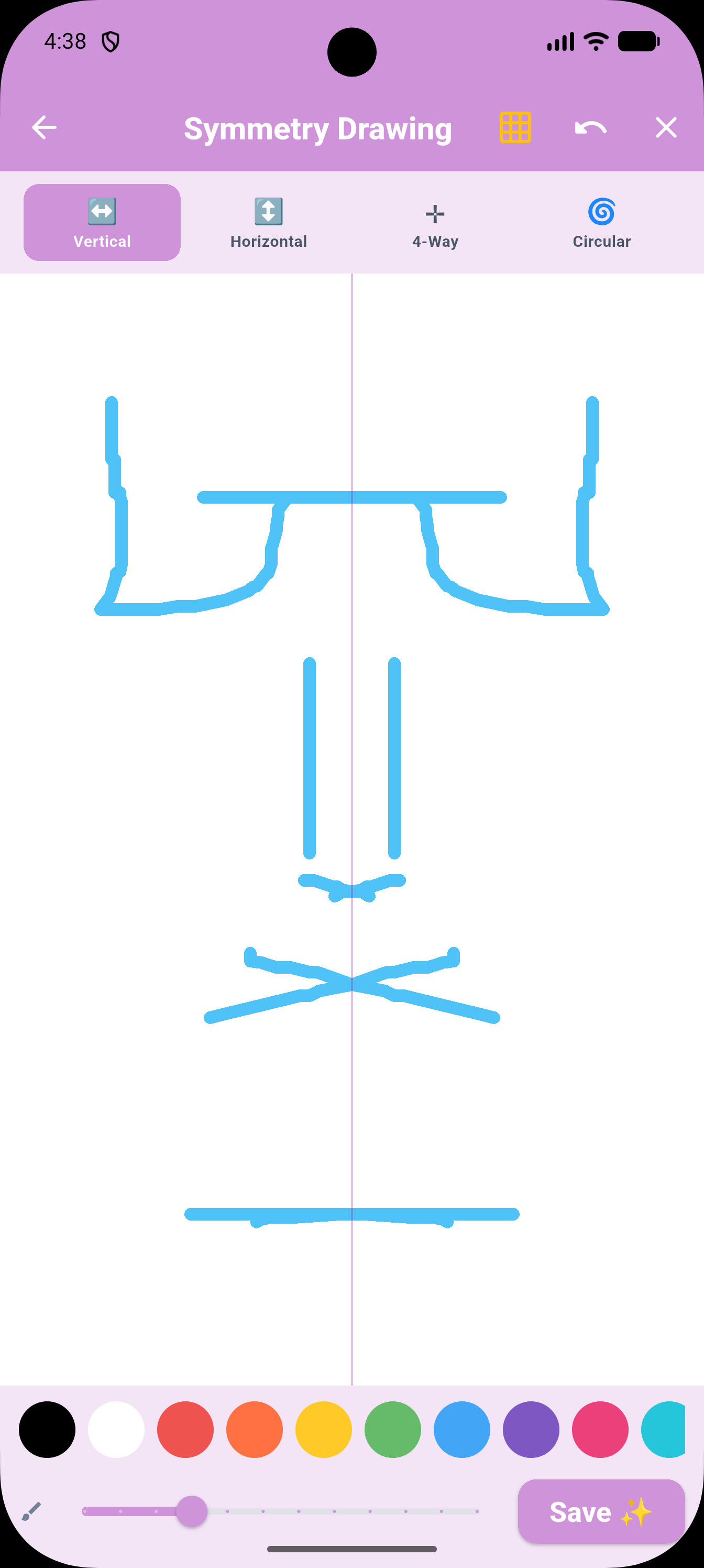
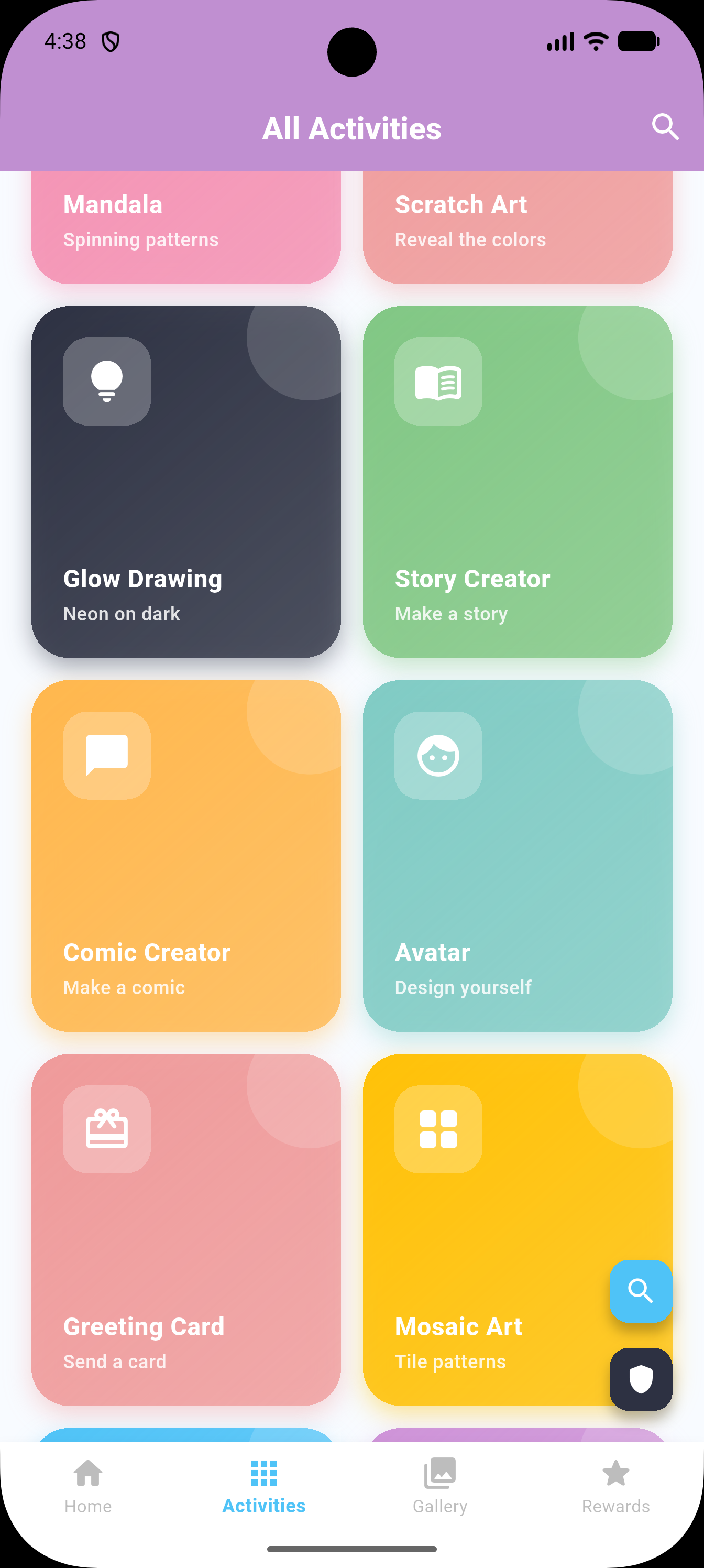
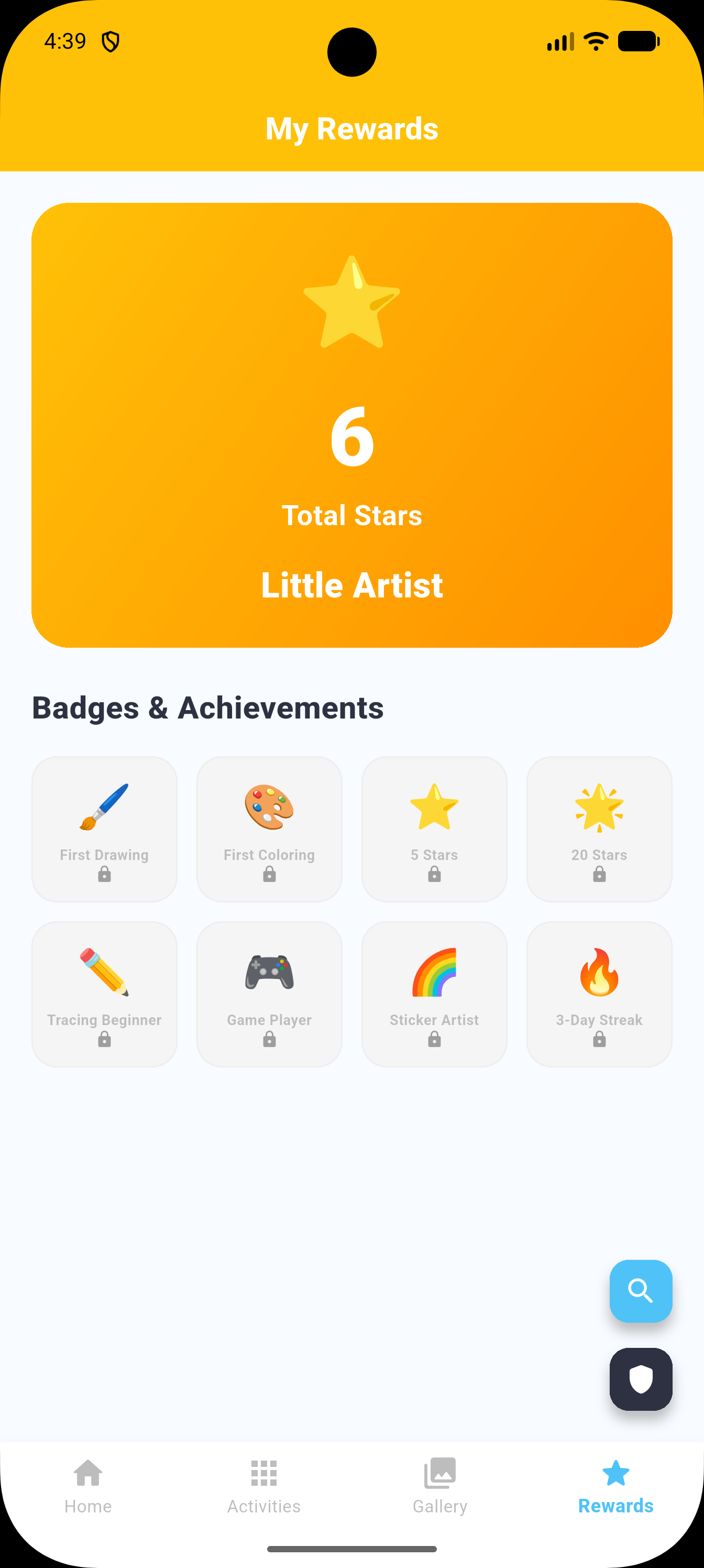
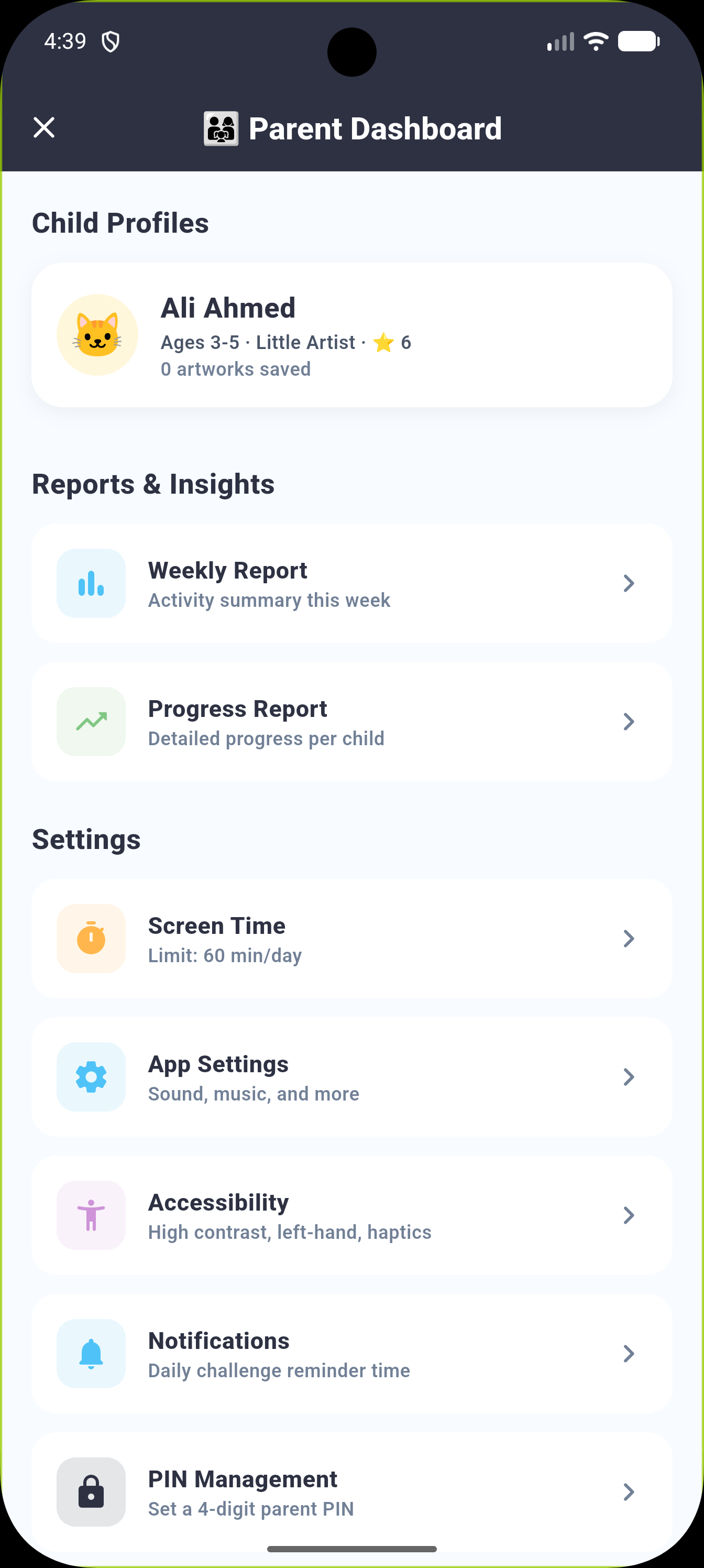
Welcome to Art Adventure for Kids, a colorful educational playground where young artists can draw, color, trace, learn and bring their imaginations to life. Designed for children ages 3–10, the app combines more than 40 creative and educational activities in one safe, engaging and easy-to-use experience. Children can enjoy free drawing, coloring books, guided tracing, creative art tools, educational mini-games, learning paths and daily challenges. Every completed activity helps children earn stars and coins, unlock new creative items, collect achievement badges and progress through seven artist levels. Parents can manage profiles, screen time, bedtime settings and learning progress through a secure PIN-protected dashboard. The app is completely ad-free and offline-friendly, with no chat, social features or child accounts. Key Features 40+ Creative and Educational Activities Explore an extensive collection of drawing, coloring, tracing, art-making and educational activities—all designed to support creativity, early learning and independent play. Free Drawing Studio Children can create original artwork using seven creative brushes: Pencil Marker Crayon Paintbrush Chalk Spray brush Eraser The drawing studio also includes 20 child-friendly colors, adjustable brush sizes, undo, redo, clear and artwork-saving controls. Coloring Book Enjoy hand-drawn coloring pages organized into exciting categories: Animals Nature Ocean Space Buildings Vehicles Children can use different brushes and colors, undo mistakes and save completed pictures to their personal gallery. Letters, Numbers, Shapes and Pattern Tracing Guided dotted paths, directional arrows and clear starting points help children practise: Uppercase letters A–Z Numbers 0–9 Basic shapes Straight and diagonal lines Zigzags and waves Loops and spirals Scallops and pre-writing patterns 13 Creative Art Tools Children can discover different ways to express their creativity: Pixel Art Symmetry Drawing Mandala Art Scratch Art Glow Drawing Story Creator Comic Creator Avatar Creator Greeting Card Maker Mosaic Art Collage Maker Paint Mixing Studio Sticker Scenes 11 Educational Mini-Games Learning becomes more enjoyable through interactive activities: Color Match Color Mixing Art Quiz Shadow Matching Memory Cards Shape Match Pattern Game Spot the Difference Alphabet Game Counting Game Sorting Game Daily Creative Challenges A new creative prompt appears every day. Children can complete challenges, earn five bonus stars and build a daily activity streak. Parents can also enable a local reminder at their preferred time. Eight Guided Learning Paths Children can follow 40 progressive, age-graded lessons across eight learning paths: Preschool Art Alphabet Path Number Path Drawing Path Color Theory Pixel Art Path Story Creator Path Patterns and Symmetry Each completed path awards a special achievement badge and Certificate of Achievement. Rewards and Motivation Children remain motivated through a positive reward system featuring: Stars earned from activities Coins earned through creative play Seven artist progression levels Sixteen achievement badges Completion certificates Encouraging celebration animations Daily challenge streaks More than 30 unlockable rewards Creative Reward Shop Children can use earned coins to unlock: New brushes Animal avatars Drawing backgrounds Sticker packs Color palettes Artwork frames Drawing templates No real-money purchases are available within the child interface. Personal Gallery and Portfolio Every child receives a private creative space containing: Saved artwork Favorite pictures Rename and artwork-detail options Recent artwork collection Total stars and coins Current activity streak Earned badges Learning-path progress Multiple Child Profiles Parents can create separate profiles for multiple children. Each profile has its own: Animal avatar Age group Artwork gallery Stars and coins Achievements Learning progress Activity statistics PIN-Protected Parent Dashboard The secure parent area provides access to: Child profile management Weekly activity reports Detailed progress reports Artwork and download management Notification preferences Privacy controls Accessibility settings Help and support information Screen-Time and Bedtime Controls Parents can create healthy usage routines with: Separate weekday and weekend limits Screen-time presets Custom time limits Bedtime schedules Friendly time-up notifications Automatic saving of the current activity Accessibility and Comfort Options The app includes flexible settings for different needs: Left-handed mode High-contrast mode Eye-comfort mode Reduced animations Voice guidance Calm mode Haptic-feedback controls Low-performance mode Adjustable difficulty Age-based content filters Sound and music controls Designed for Children’s Safety No advertisements No child accounts required No chat or messaging No public sharing No social features No external links in the child area No personal information requested from children Parent-gated settings and purchases Artwork and progress stored locally Designed around COPPA and GDPR-K privacy principles Play and Create Offline Core drawing, coloring, tracing, gaming and learning activities work without an internet connection, making the app suitable for travel, quiet time and creative play anywhere.